Source code: Desktop App for Stock Manager Advance
Get the full source code of the SMA desktop POS, built with Tauri v2, Rust and Vue 3. Rebrand it, add your own screens and native features, and ship signed installers for Windows, macOS and Linux.
Source code: Desktop App for Stock Manager Advance at a glance
- Category:
- Source Code
- Platform:
- Web
- Built with:
- Tauri v2, Rust & Vue 3
- Latest version:
- v0.2.1
- Price:
- From $39.00
- Last updated:
- Nov 19, 2026, 6:31 PM
- Refunds:
- 30-day money back guarantee
The Windows installer gives a shop a finished desktop POS. This license gives you everything it is built from.
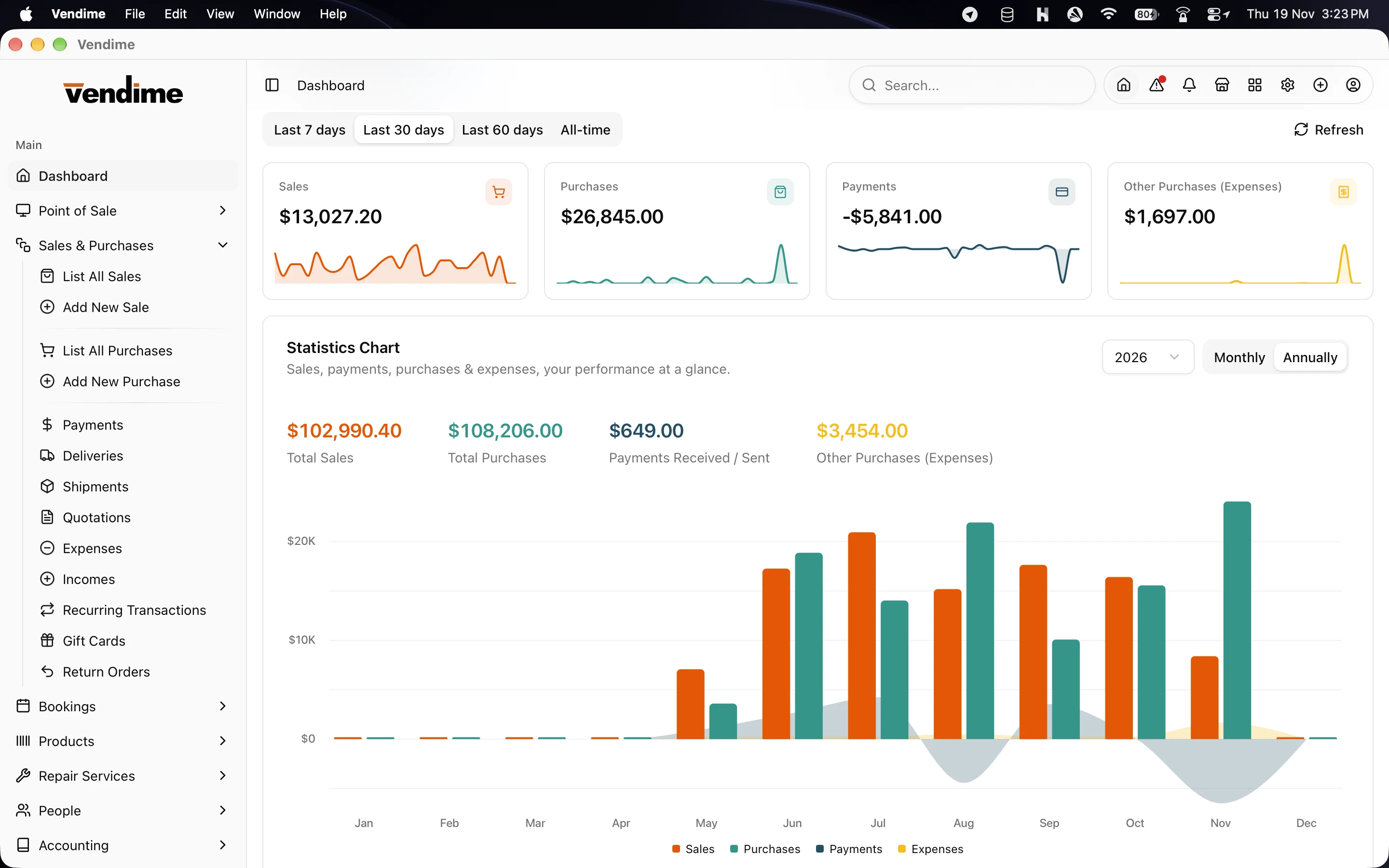
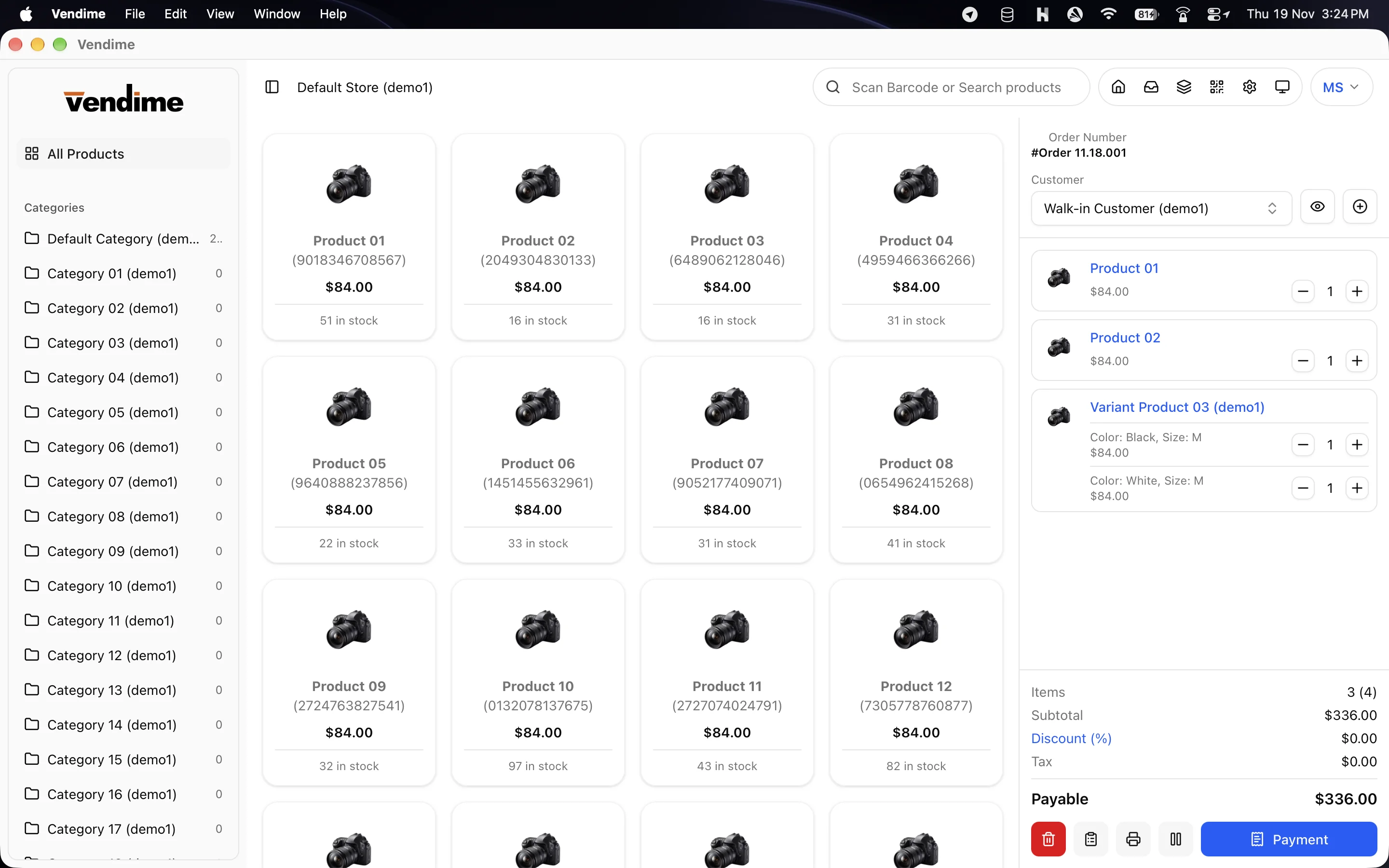
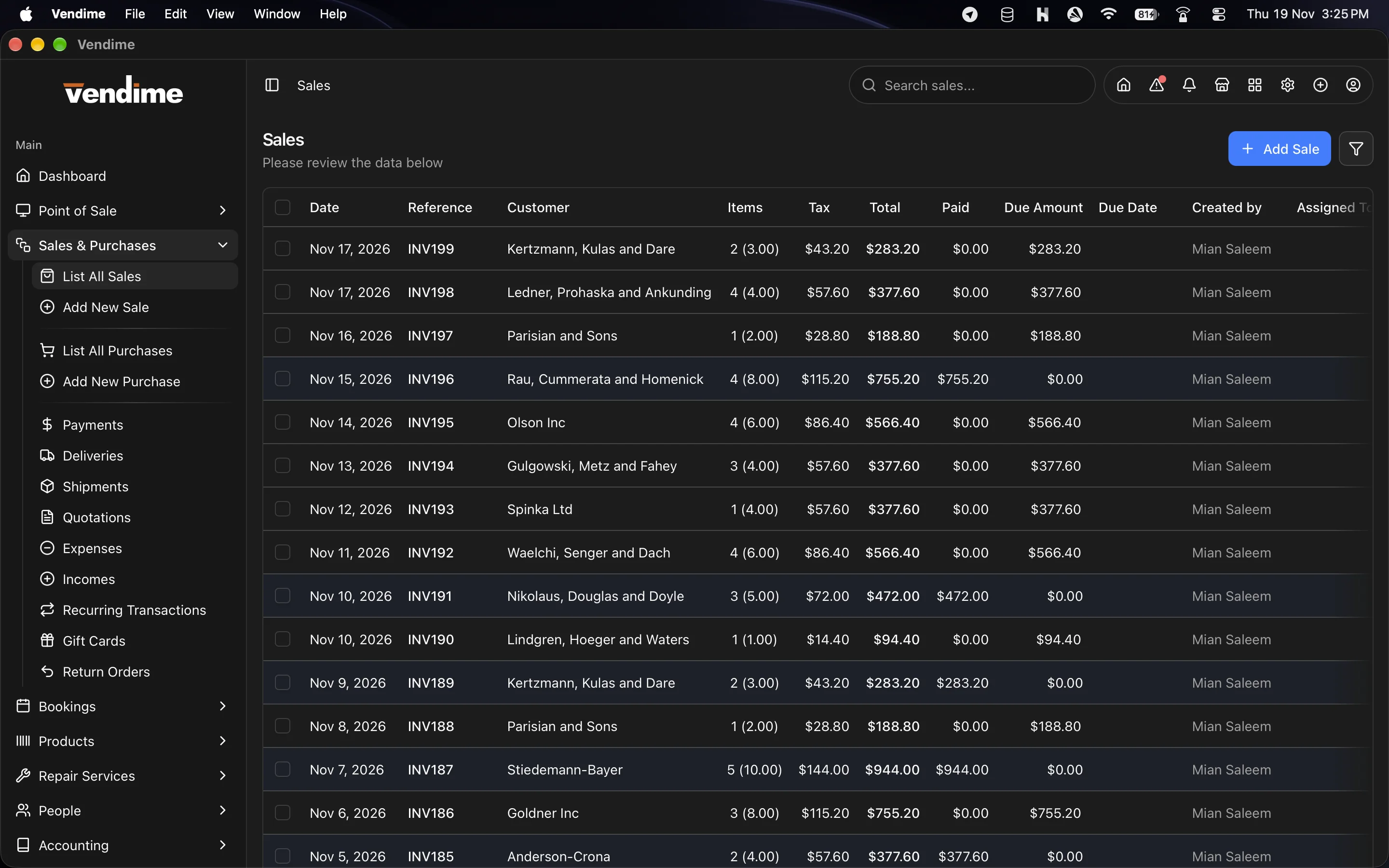
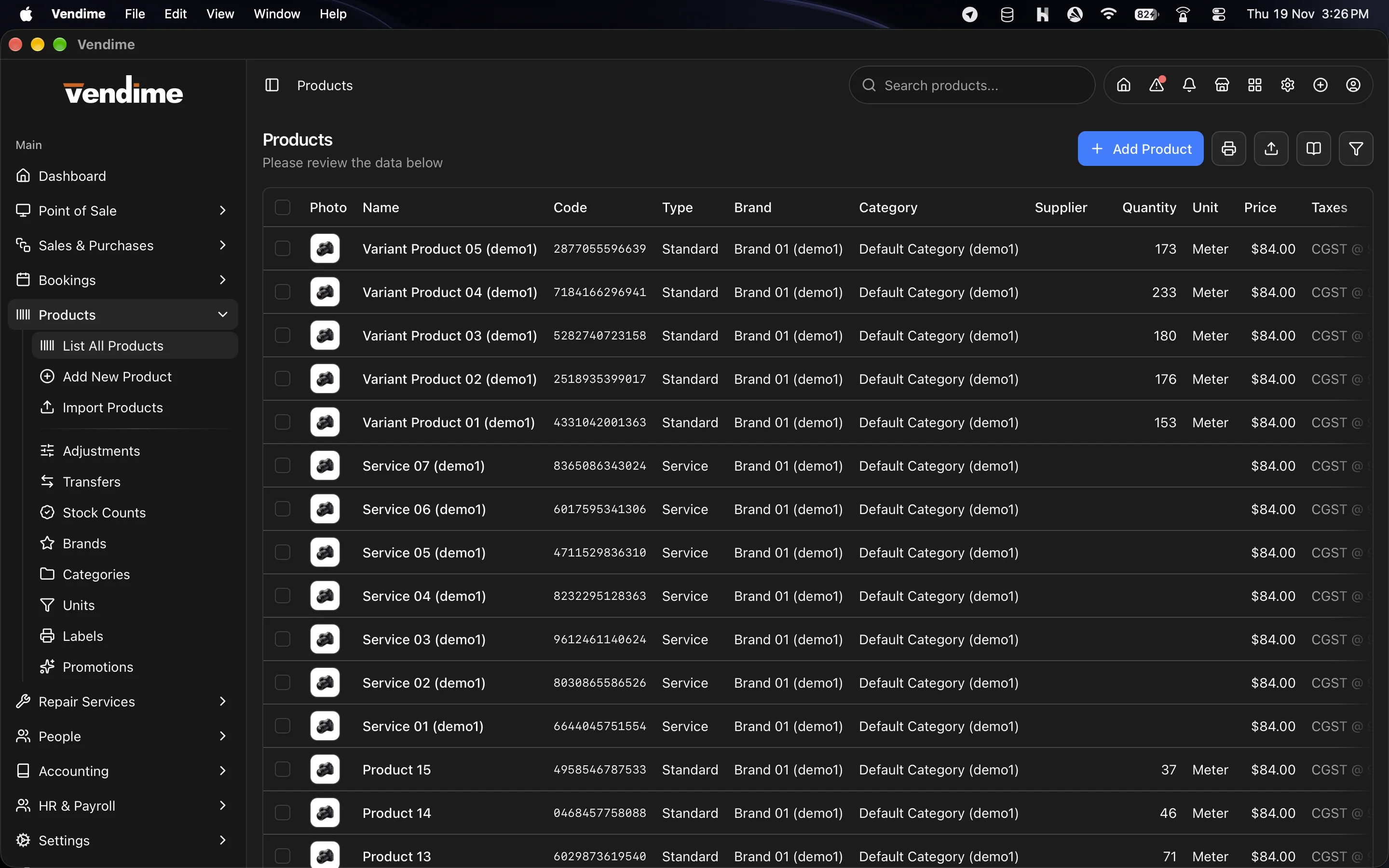
You get the same codebase the official app ships from. That includes the POS with offline selling, the ESC/POS printing engine, the customer display, the attendance kiosk, and 130+ back-office screens covering sales, stock, accounting, HR, repairs, bookings and reports. You also get the build and release pipeline that turns it into signed, self-updating installers.
It suits agencies that deliver Stock Manager Advance to clients under their own brand, resellers who want their own desktop product, and in-house teams who need custom screens, hardware or workflows that the standard app does not have.
What you get
- The full application source. That covers the Vue 3 frontend and the Rust/Tauri desktop shell, with nothing compiled or obfuscated.
- 130+ screens covering POS, sales & purchases, products & stock, people, accounting, HR & payroll, repairs, bookings, restaurant, integrations, settings and 20+ reports.
- Native Rust modules:
- ESC/POS receipt and kitchen printing over network, USB, serial, Bluetooth and system printers;
- credential storage in the OS keychain;
- machine-bound license activation;
- a media cache.
- The offline engine. SQLite storage per server and user, a sync queue that replays in order and never creates a sale twice, and review handling for rejected records.
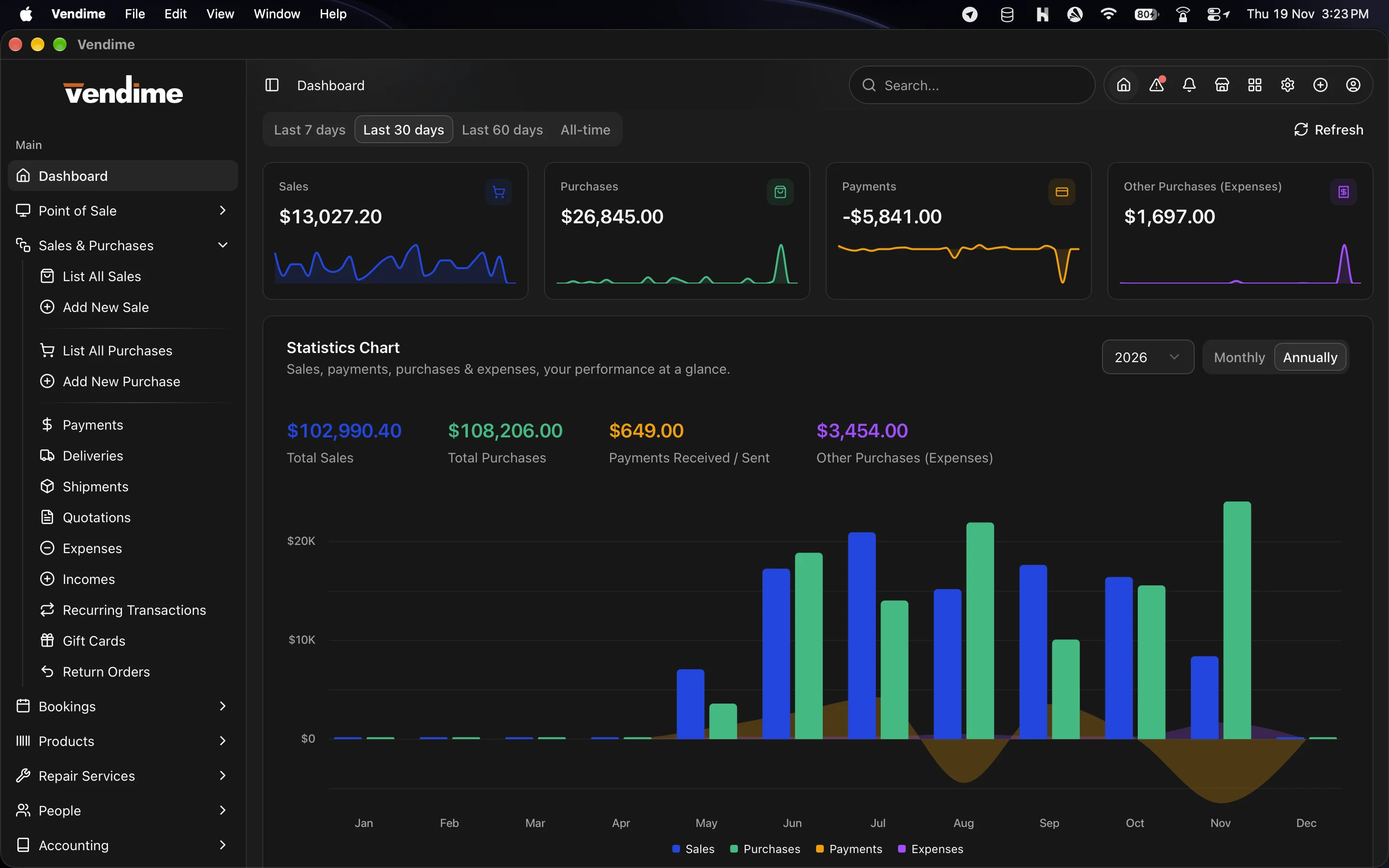
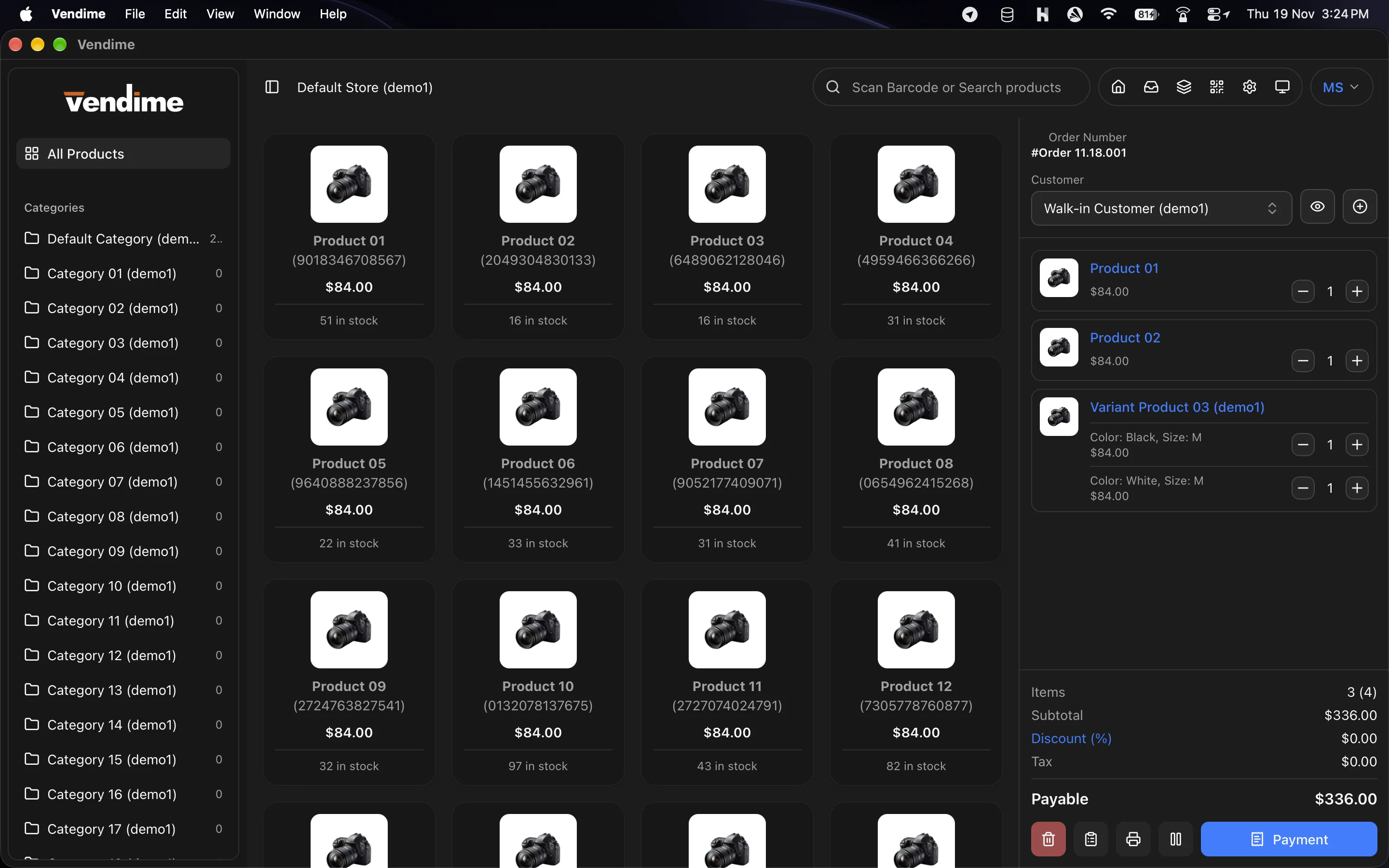
- The complete shadcn-vue component library (55 component sets) with Tailwind CSS v4, light and dark themes and full RTL support.
- The build and release pipeline. A GitHub Actions workflow builds the
Windows NSIS installer, signs it for the updater, and publishes it with a
latest.jsonupdate feed to your S3 bucket. A version script keeps all four version strings in step. - Documentation:
- a Developer Guide (setup, architecture, conventions, how to add screens, API calls and native commands, building, releasing, rebranding, troubleshooting);
- the end-user User Manual, ready to rebrand for your own customers.
- Tests for the backend-compatibility and record-action contracts.
Built on a modern, maintainable stack
| Layer | Technology |
|---|---|
| Desktop shell | Tauri v2 (Rust): small installers, low memory, native OS webview |
| UI | Vue 3 (<script setup>, plain JavaScript) and Vite |
| Components | shadcn-vue (reka-ui), Tailwind CSS v4, Lucide icons |
| Data tables | TanStack Table |
| Routing | vue-router; screens self-register from feature folders |
| State | Composables, with no store library to learn |
| i18n | vue-i18n; translations load from your SMA server and cache offline |
| Offline | SQLite through tauri-plugin-sql |
| Updates | tauri-plugin-updater with signed update feeds |
| Backend | Stock Manager Advance through its Api module (Sanctum tokens) |
Plain JavaScript with no TypeScript build step, and conventions written down, so any Vue developer can be productive on day one.
What you can do with it
Rebrand and white-label
- Change the product name, window title, icons and bundle identifier. The Developer Guide lists every place each one lives.
- Point the Help menu's support, docs and changelog links at your own site.
- Set the default server your installers point at, so your clients' shops connect without typing an address.
- Rebrand the User Manual for your customers.
Ship your own installers
- Build for Windows (NSIS, MSI), macOS (
.app, DMG) and Linux (deb, rpm, AppImage) from the same code. - Run your own update feed. Generate your own signing key, and your installed apps trust only your releases.
- Tag a version and the CI workflow builds, signs and publishes it. Or run it by hand for a test build that publishes nothing.
Extend it
- Add a screen by dropping a folder into
src/features/. Routes, breadcrumbs, permissions and the sidebar entry wire themselves up. - Call new API endpoints through one HTTP client. It already handles the token, store, language headers, errors and session expiry.
- Add native features as Rust commands for hardware such as scales, cash drawers, displays or other devices, and call them from Vue.
- Add native windows the way the customer display and attendance kiosk do.
- Reuse the shared form controls, listing factory, filters, pagination, print layouts and order document templates. A new screen looks and behaves like the rest without extra work.
Feature highlights included in the source
- Point of sale. Product grid, search and barcode scanning, variations, split payments, held orders, register open/close and PIN protection.
- Offline selling with automatic, ordered, idempotent sync.
- Silent ESC/POS printing to receipt and kitchen printers.
- Customer display on a second screen.
- Restaurant mode. Tables, halls, reservations, kitchen tickets and table QR ordering.
- Card terminals. Stripe Terminal and iPOS / Dejavoo (SPIn).
- Back office. Sales, purchases, quotations, returns, gift cards, recurring transactions, stock transfers and counts, labels, PDF catalogs, statements, accounting, assets, HR, payroll, repairs and bookings.
- Reports. 20+ filterable, printable reports.
- Attendance. Clock in/out with photo, location or PIN, and a full-screen kiosk window.
- Integrations. WooCommerce, QuickBooks, Shipping and Plaid (when the SMA module is installed).
- SaaS onboarding. Sign-up, email verification, plan selection and workspace creation against SMA's central SaaS API, for anyone running the SaaS module.
- Everything else. Multi-store, role permissions, module and menu switching, notifications, multi-language with RTL, light and dark themes, and auto-updates that never install unprompted.
See the Windows installer page for the full feature list.
Requirements
To use the app:
- Stock Manager Advance 4.0.0-rc.12 with the API module, on the server the app connects to.
To build it:
- Node.js 22 and pnpm 10.
- Rust (stable, through rustup).
- The OS build tools:
- Windows: Visual Studio Build Tools, with the Desktop development with C++ workload;
- macOS: Xcode Command Line Tools;
- Linux: WebKitGTK 4.1.
- Each OS's installers are built on that OS. A Windows installer cannot be built on macOS, so use the included GitHub Actions workflow instead.
- For releases: a GitHub repository, and an S3 bucket (or any static HTTPS host) for the update feed.
Skills: working knowledge of Vue 3 and JavaScript. Rust is only needed for new native features.
Not included
- Stock Manager Advance itself, which is sold separately.
- OS code-signing certificates. The pipeline signs releases for the updater. Windows Authenticode signing and macOS notarisation need your own certificates; the Developer Guide shows where they go.
- Ready-made macOS and Linux release workflows. The included workflow
builds Windows. The other platforms build locally with
pnpm tauri build. - Hosting for your update feed.
Frequently asked questions
How is this different from the Windows installer?
The installer is the finished app, licensed per computer and updated by Tecdiary. The source code license gives you the codebase itself. You build, brand, change and release the app yourself.
Can I rebrand it as my own product?
Yes. Name, icons, identifier, help links, default server and update feed are all yours to set, and the Developer Guide covers each one.
Do I need to know Rust?
No. Almost everything, including every screen, form and report, is Vue 3 and plain JavaScript. Rust is only needed for new native features such as hardware drivers. The existing Rust modules are there to copy from.
Which platforms can I build for?
Windows, macOS and Linux. The included CI workflow builds and publishes Windows. macOS and Linux build locally with one command.
How do updates reach my clients?
You generate your own signing key and host your own latest.json feed. Your
installed apps check it on start-up and every six hours, and they install only
when the user agrees.
Does it work with my existing SMA server?
Yes, as long as it runs Stock Manager Advance 4.0.0-rc.12 with the Api module.
The app and the SMA web app work side by side on the same data.
Can I connect it to a backend other than SMA?
The app is built for SMA's API. Using another backend means rewriting the
src/api/ modules against it, which is a substantial job.
Is support included?
Yes, for general questions. Custom development is available on request.