POS Print Server (Windows Installer)
Windows installer to setup local printers and use them for printing orders & receipts from live installation of SimplePOS & Stock Manager Advance.

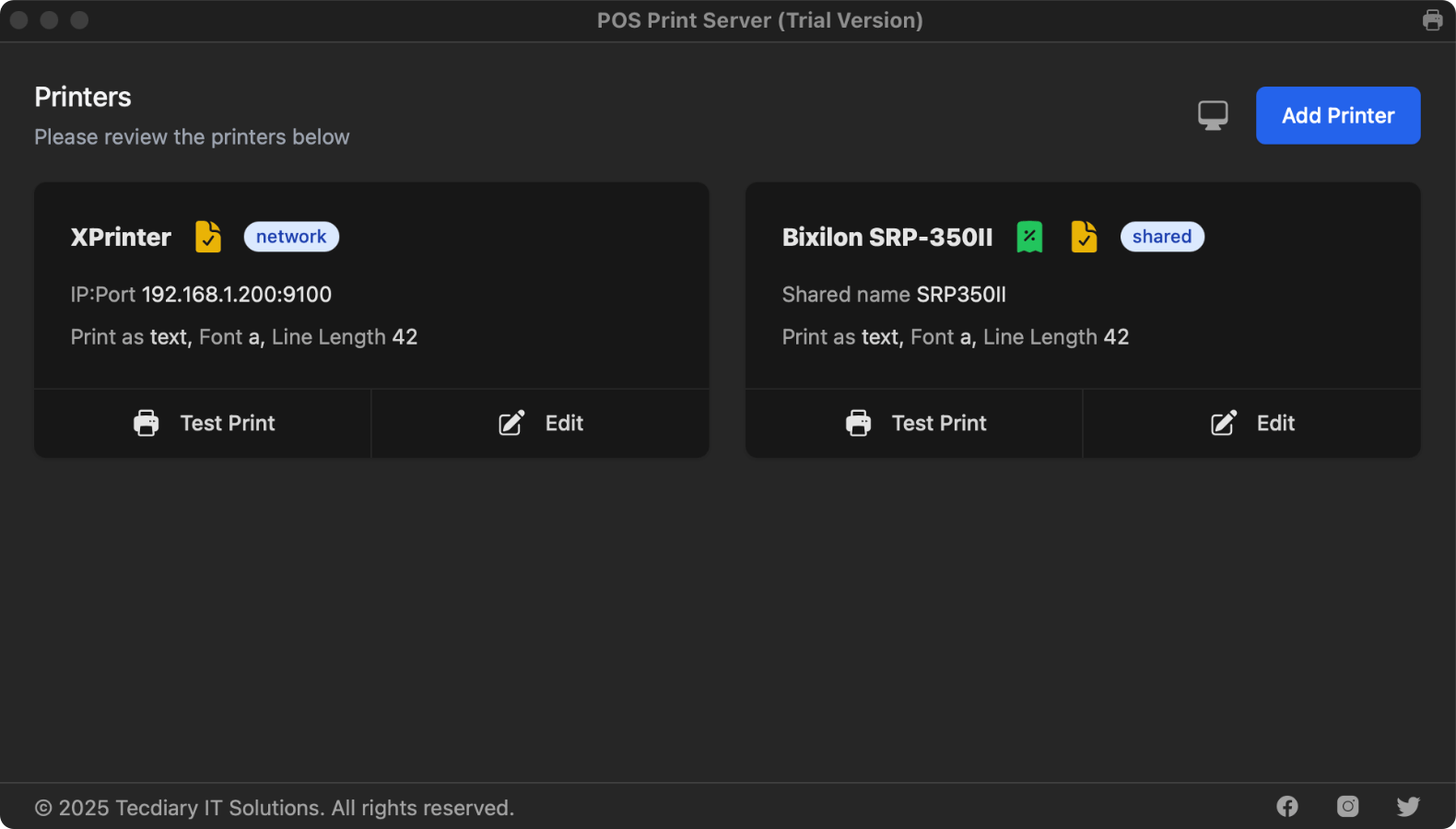
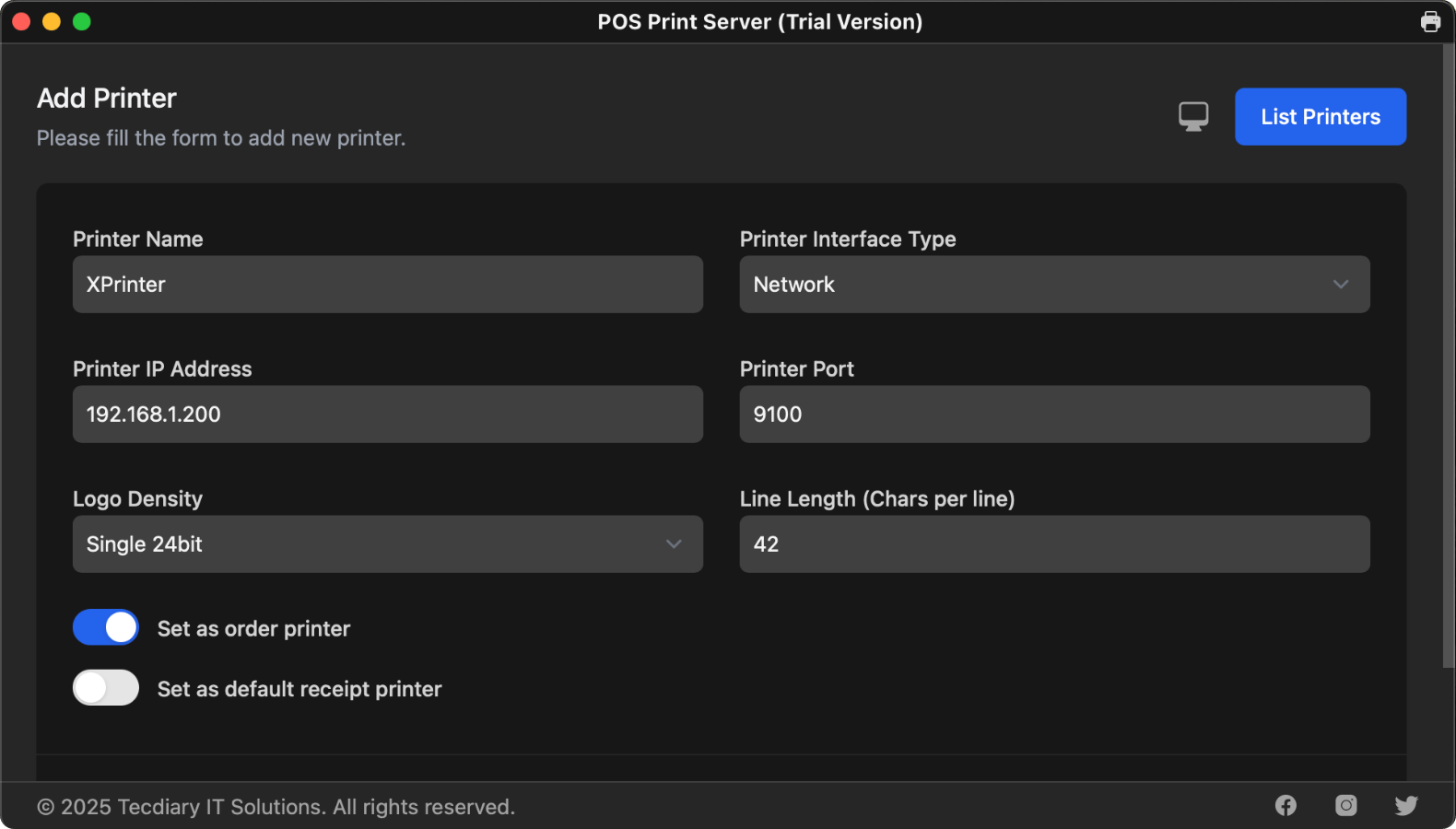
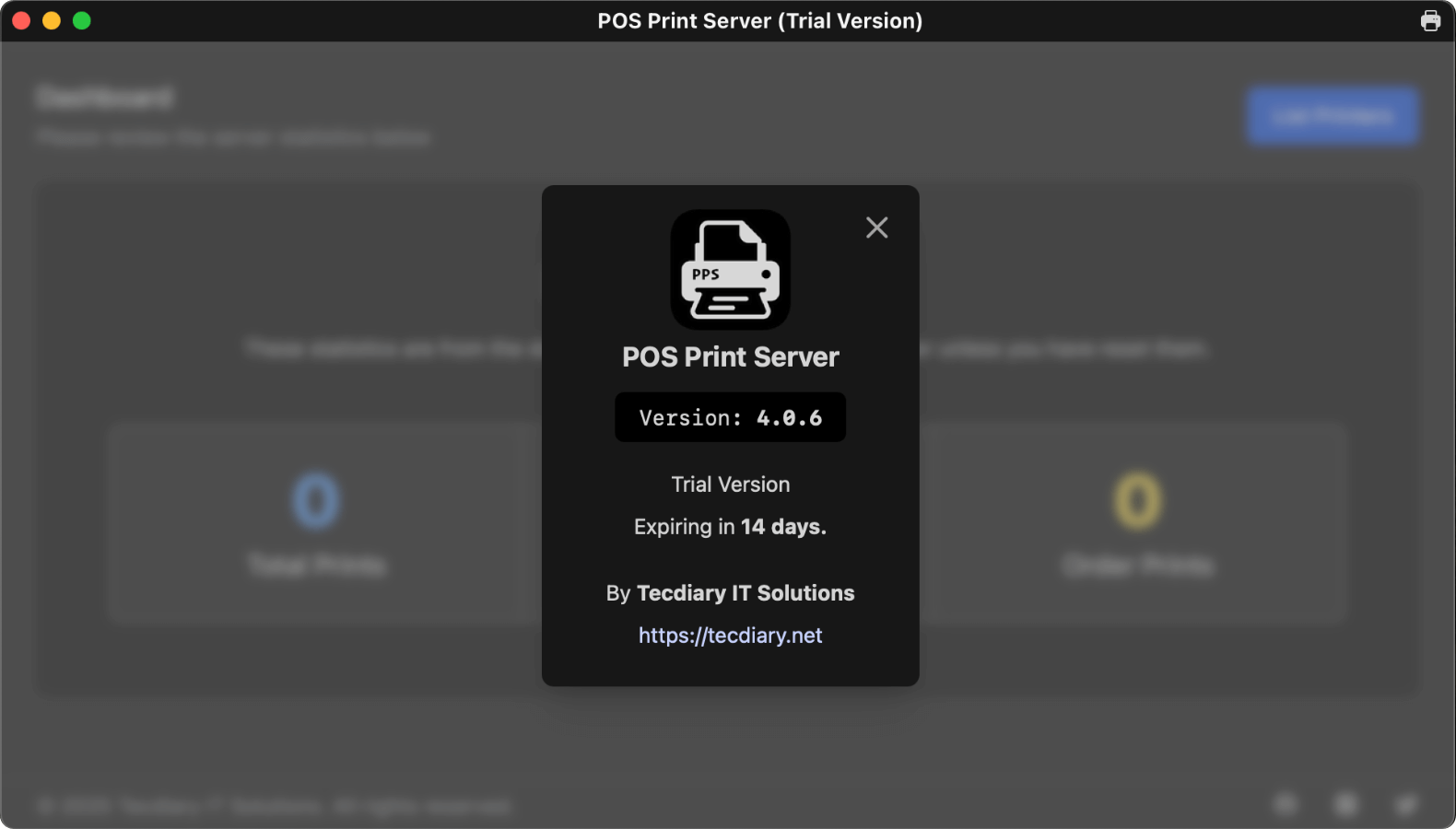
POS Print Server (Windows Installer) at a glance
- Category:
- Desktop Applications
- Platform:
- Windows
- Requirements:
- Windows (64-bit)
- Latest version:
- v5.1.1
- Price:
- From $8.00
- Last updated:
- Oct 31, 2026, 4:06 AM
- Refunds:
- 30-day money back guarantee
- Documentation:
- Read the docs
POS Print Server is a standalone Windows desktop installer that makes connecting your local printers to cloud-based POS systems effortless. Designed to work perfectly with solutions like Simple POS and Stock Manager Advance with POS Module, PPS bridges the gap between your live server and local printing setup.
Why Choose POS Print Server?
Effortless Setup
Our one-click installer simplifies the installation process. Just download, install, and you’re ready to configure your local printers in seconds.
Local Printer Integration
Add any local printers connected to your machine, set a default printer, and update your live POS installation to use them — no advanced setup required.
Print Test Pages
Verify your setup instantly with the built-in Test Print feature to ensure your printer is correctly configured and ready to go.
Automatic Daily Logs
Keep track of all printing activity with daily logs that help you monitor and troubleshoot print-related operations with ease.
Flexible Licensing
Choose from three licensing options tailored to your needs — whether you’re a small business or a larger retail operation.
Reliable Support
Get peace of mind with 6 months of free standard support from the date of purchase. Our team is here to help you every step of the way.